CS2 Audio EQ (Crisp vs Smooth) & Pro Config: Hear Footsteps and Stop Getting Overridden
Crisp steps, Smooth fatigue, and an autoexec that survives updates. Here is how the pro config circle thinks about audio EQ, radar, shadows, and why 'copying a config' is not a magic fix.
After crosshair and sensitivity, the next stop on the optimization path is audio and config. The pro tips scene in 2026 has settled on a clear set of opinions about EQ presets, radar, and shadows — and a few of them contradict what most guides tell you.
Crisp vs Smooth: the hearing-footsteps question
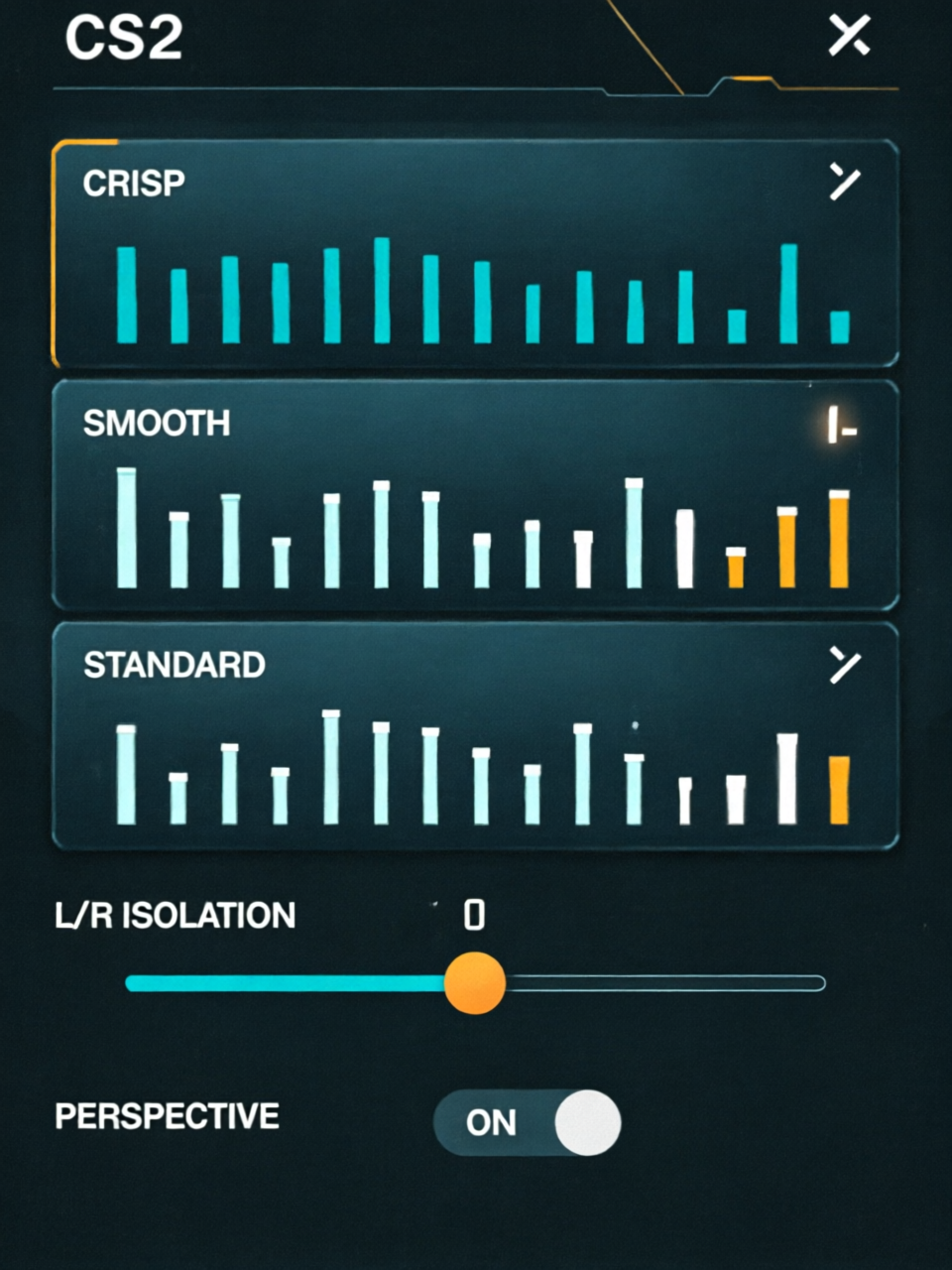
CS2 ships three EQ presets — Crisp, Smooth and Standard/Natural. The mainstream advice is simple: pick Crisp. "Crisp boosts mid frequencies so footsteps and shots are louder and sharper," explains cs.money in its sound guide, and dovesonic is blunter: "Avoid Smooth — it reduces clarity where footsteps live." For pinpointing where a footstep came from, L/R Isolation at zero and Perspective correction on matter more than the preset.
"If you want to pinpoint where a footstep came from, this setting matters a lot." — dovesonic, Best CS2 Audio Settings to Hear Footsteps
The twist: what pros actually run
Here is where guide advice and pro data diverge. A database of 30+ pros (donk, ZywOo, NertZ) shows many top players use Natural with L/R Isolation at zero and perspective on, not Crisp. Only a handful run Crisp. The reason is fatigue — "Natural: balanced, less tiring for the ears," notes cs.money. So the honest answer is not "Crisp always": Crisp for maximum footstep clarity while focusing, Natural for long sessions where ear fatigue hurts more.
Lock it down with an autoexec.cfg
Whatever you pick, the community's real pro habit is making it stick. Radar scale, HUD, and shadow settings you type into the menu can be reverted or overridden by updates. The fix is an autoexec.cfg executed on launch via the Steam launch option +exec autoexec.cfg so your values re-apply every time.
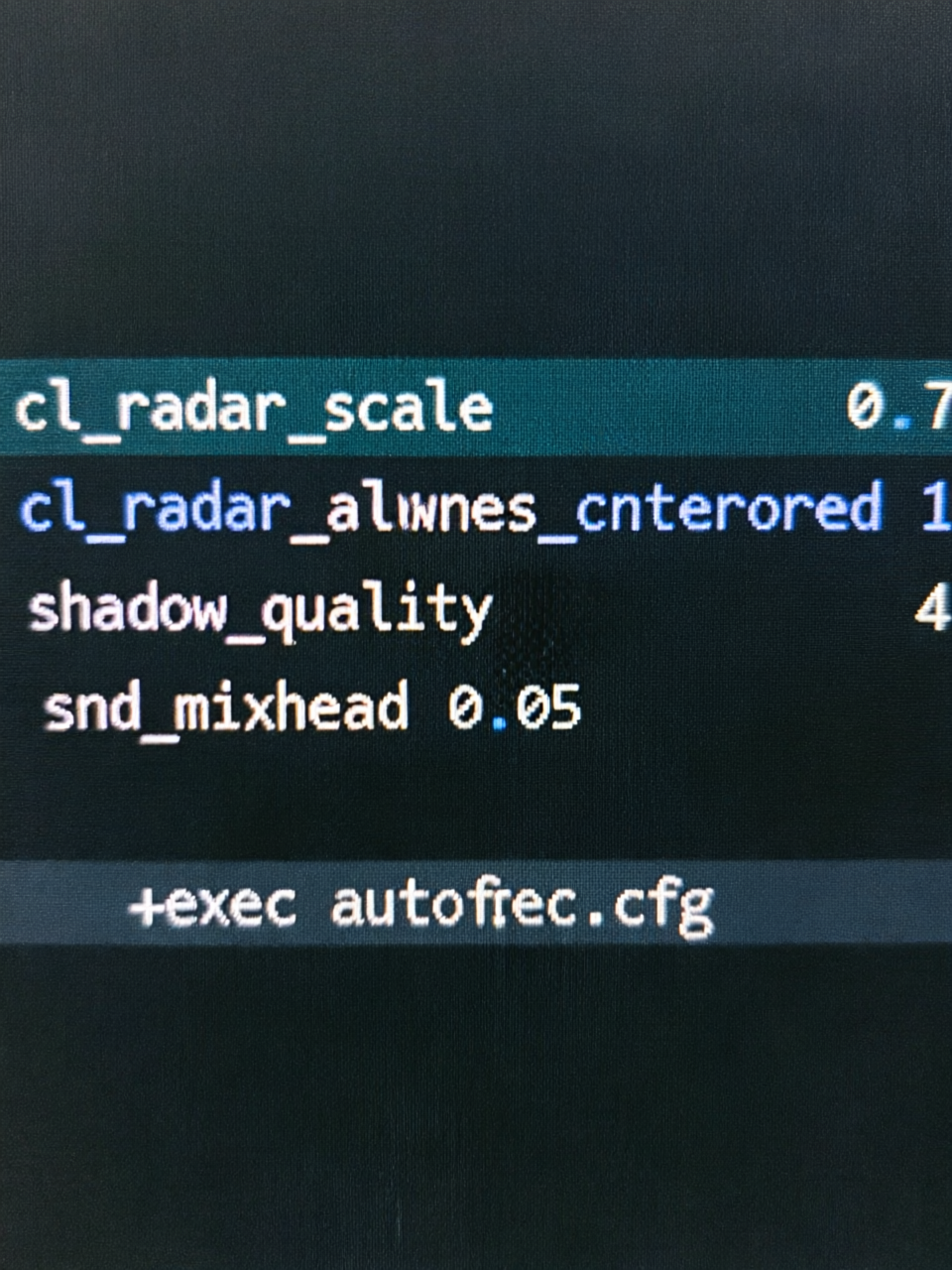
A pro config is not a set of secret commands. cs2pedia puts it best: "An autoexec isn't a list of secret commands that make you better — it's a plain text file that runs every time CS2 launches and re-applies the settings you actually chose."
The shadow trick
One config choice has a real gameplay payoff: set shadow quality to High. "If you are holding the A site on Overpass you will see the shadow of a terrorist pushing up long before their actual body peeks the corner," explains gfinity. Meanwhile lower particles and SSAO to recover FPS — the classic trade every pro config balances.
Build your own baseline
You do not need to hand-write everything. Generate a complete starter config with the CS2 config generator and review the full set of settings in the CS2 settings hub. Pair it with a crosshair from the CS2 crosshair generator and you have a predictable, fatigue-managed setup that survives updates.
FAQ
Should I use Crisp or Smooth audio EQ in CS2?
Crisp boosts the mids where footsteps and reloads live, so most guides recommend it for competitive play. Smooth softens highs and reduces listening fatigue but often muffles footsteps. Real pro data shows many players, including donk and ZywOo, actually run Natural with L/R zero isolation.
What is the most important CS2 audio setting for hearing footsteps?
L/R Isolation set to zero keeps stereo cues intact so you can pinpoint direction, and Perspective correction should be on. These matter more than the EQ preset alone for knowing exactly where a footstep came from.
Why do pros put CS2 settings into an autoexec.cfg?
Radar, HUD and shadow settings typed into the menu can be reverted or overridden. An autoexec.cfg reruns every launch and re-applies your chosen values, forced via a Steam launch option so updates cannot silently reset your config.
Does copying a pro CS2 config make you aim better?
No. A config is not a magic fix; it only removes obstacles between a player and their real skill by making the game feel predictable. It is a baseline so hands learn the same motions, not a cheat for aim.
Conclusion
The best CS2 audio setting is not one EQ preset — it is a trade. Crisp for footstep clarity while you grind, Natural for long sessions where ear fatigue costs you more, and L/R Isolation at zero either way. Beyond audio, a pro config is really about predictability: hardening radar and shadow settings into an autoexec.cfg so the game stops fighting you. Start from the config generator and settings hub, add a stable crosshair, and you will have the kind of setup pros call reliable rather than magical.
Sources: cs.money, dovesonic, hawk.live pro audio database, cs2pedia autoexec guide, gfinity, esportnow.
Try These Tools
Put this article into practice: tune your crosshair live, or convert sensitivity across games.
Keep Reading
CS2 4:3 Stretched vs 16:9 Native: 77.8% of Pros Still Pick 4:3, but the Meta Is Shifting
ProSettings vs CS2Settings: Where to Find Pro CS2 Settings & Crosshairs in 2026